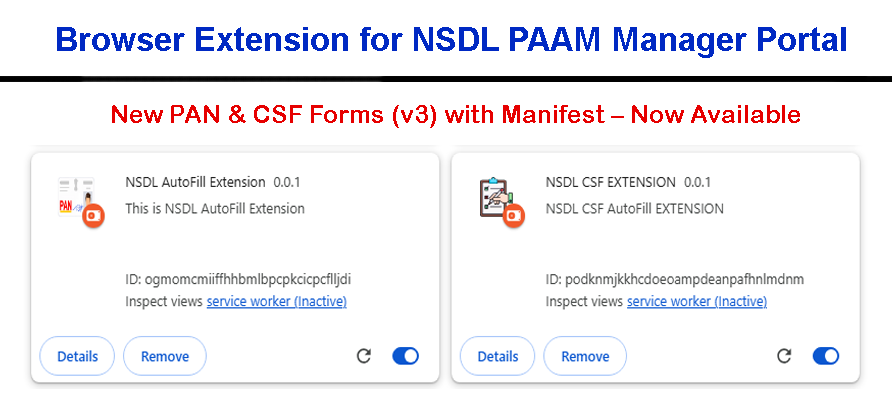
What is the NSDL AutoFill Extension?
The NSDL AutoFill Extension is a smart browser tool specially designed for PAN card service providers, CSC centers, and data entry operators.
This extension enables users to fill the New PAN Card Application form on the NSDL PAAM Manager Portal in just one click.
It works by copying JSON data from your custom portal and automatically filling the following details into the NSDL form:
- Applicant’s Name
- Father’s Name
- Date of Birth
- Gender
- Aadhaar Number
- State
- PIN Code
- And other relevant personal details
This eliminates the need for manual data entry and significantly reduces errors, making the PAN card application process faster, accurate, and hassle-free.
What is the NSDL CSF Extension?
The NSDL CSF Extension is built for those who need to process PAN Correction (CSF) Forms. It auto-fills the correction form on the NSDL PAAM Portal
by directly fetching and inserting data without manual input. With a single click, the following fields are automatically filled:
- Aadhaar Number
- PAN Number
- Category Selection
- Applicant’s Name
- Father’s Name
- Date of Birth
- Gender
- Aadhaar Number
- State
- PIN Code
- And other relevant personal details
This extension is highly useful for correcting PAN details efficiently without wasting time on typing or form navigation. No need to remember or enter anything manually –
just copy the data and click to fill!
Key Features of NSDL AutoFill & CSF Extensions
- One-Click Data Fill: Instantly fills the PAN or CSF form on PAAM Manager Portal with accurate data.
- JSON Integration: Works with your custom portal’s JSON output to retrieve form data quickly.
- Time-Saving: Reduces form filling time from several minutes to a few seconds.
- Error-Free: Minimizes human typing mistakes and ensures clean, validated data entry.
- Supports Latest Version 3: Compatible with the latest PAN & CSF manifest structure.
- User-Friendly UI: Simple interface that even non-technical users can operate easily.
- Secure: Data remains in your system, no third-party data sharing or leakage.
- Lightweight Extension: Fast to install and doesn’t slow down your browser.
Who Can Use These Extensions?
These extensions are perfect for:
- CSC VLEs and PAN card agents
- Franchise owners handling bulk PAN applications
- Retail operators working with NSDL PAAM Manager Portal
- Data entry staff looking to improve productivity
How to Use the Extensions?
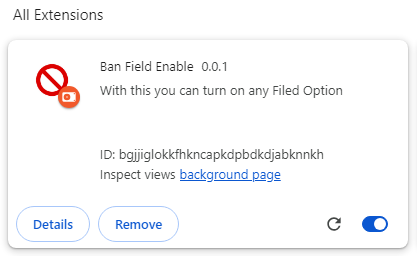
- Install the extension from your provided Chrome or Edge store link.
- Go to your custom portal and generate or copy the required JSON data.
- Open the NSDL PAAM Manager Portal and navigate to the form page.
- Click the extension icon and hit the "Auto Fill" button.
- All the relevant fields will be filled automatically in seconds.
No typing, no errors, just a smooth PAN or correction form filling experience!
Why Choose Our Extensions?
Our NSDL AutoFill and CSF Extensions are developed with real user needs in mind. We understand the pain of repetitive tasks, form errors, and wasted time.
With these tools, you get a reliable, fast, and accurate solution tailored for PAN card processes. The extensions are tested regularly and updated to ensure
compatibility with NSDL’s latest changes, including manifest Version 3.
Whether you're processing one form a day or a hundred, these extensions help you save hours and work stress-free.